1980s RetroCassette Shop Evening
BIG IDEAS. POCKET-SIZED STUDIO.Make something
Make something
unmistakably you.
A new look. A better edit. A little creative magic.
Discover what your next photo could become.
1980s RetroDenim Railway Morning
Cartoon WorldsRubberhose Jazz
Creator StudioDesign Desk
Food BrandingRamen Steam
✦ A FEW LOOKS FROM THE COLLECTIONAI-generated previews · Make them your own
1980s / 1990s✦PORTRAITS✦PRODUCTS✦FASHION✦CARTOON WORLDS✦TRAVEL
01 / THE INSPIRATION EDITNew mood.
New mood.
New possibilities.
Fresh ideas from the studio.
Discover the latest looks and a new selection every day.
New inspiration is on its way. Explore the studio in the app.
Preview a selection from Vynoriq. Full prompts are available in the Android app; some require a rewarded ad to unlock.
MEET YOUR POCKET STUDIOA closer look.
A closer look.
Before your first edit.
Discover ideas, shape your photos and keep your favourite settings together.
9:41● ▰
 Vynoriq
Your next creation starts here.
YOUR CREATIVE STUDIO
My Workflow + AI Studio
Edit photos. Save your flow. Find your next look.
▧Photo Studio▷Video tools✦AI Studio
Create workflow →
AI Studio ✦
Discover your next look
Explore AI Studio →
⌂Home▦Tools✦AI Studio▱My Files⚙Settings
Home — your creative space
9:41● ▰
AI StudioDiscover your next look
AllNewTrendingFavourites
⌕ Search prompts, categories or themes
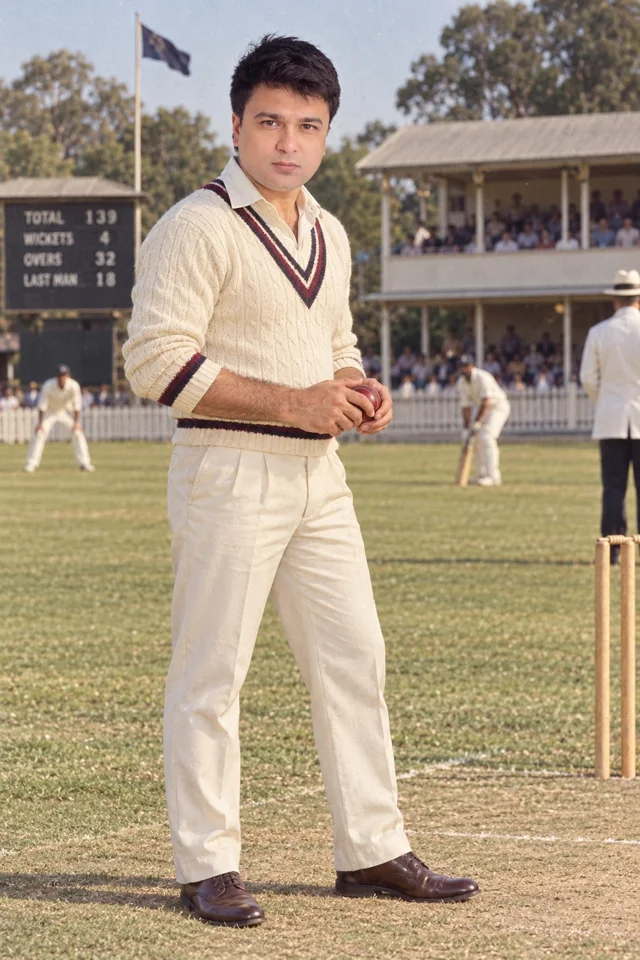
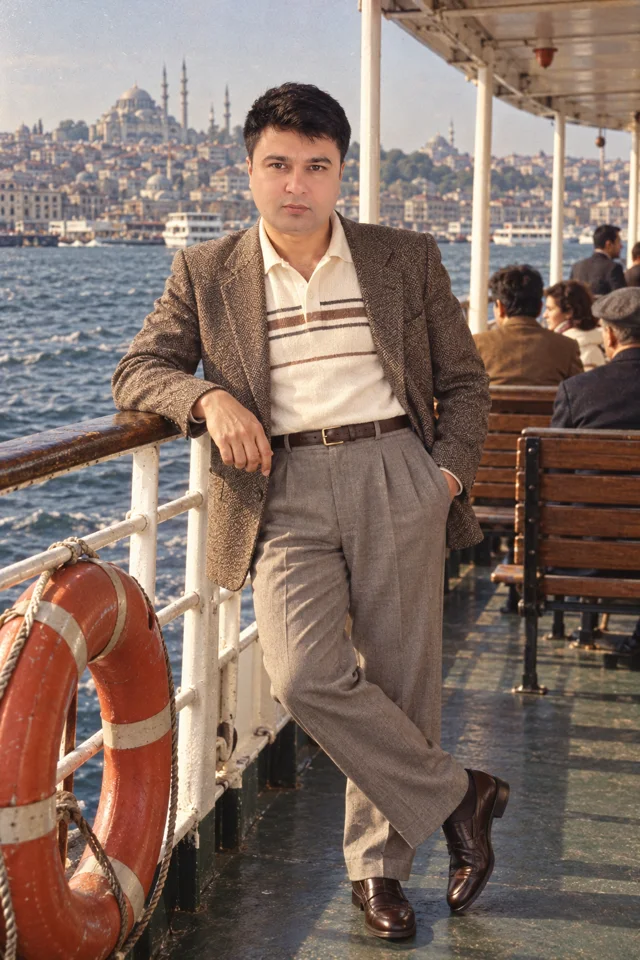
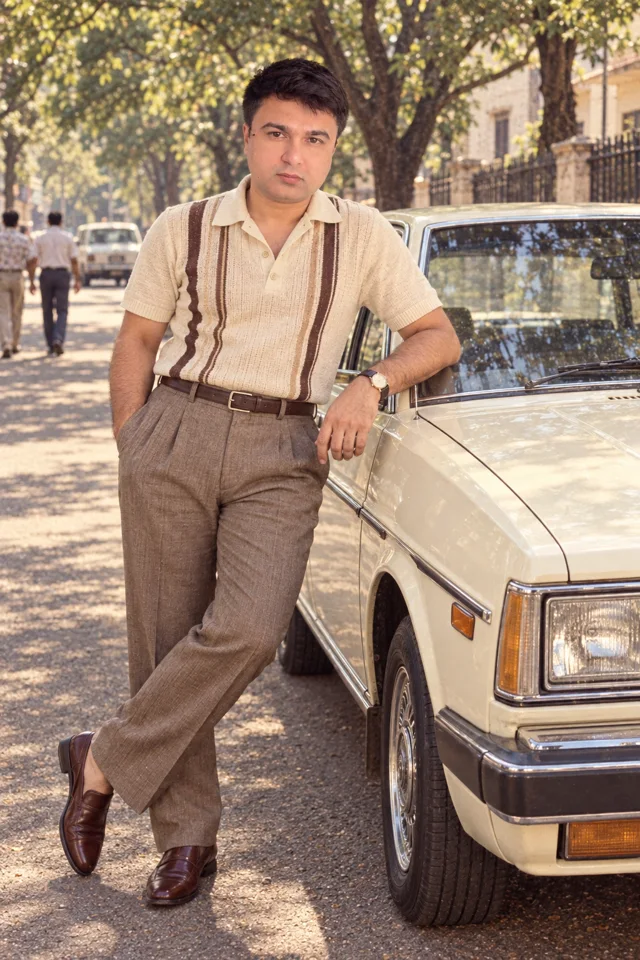
Practice Bowling 1984Gemini · ChatGPT ImagesWatch ad · Unlock promptIstanbul Ferry 1980Gemini · ChatGPT ImagesWatch ad · Unlock promptCream Sedan 1980Gemini · ChatGPT ImagesWatch ad · Unlock prompt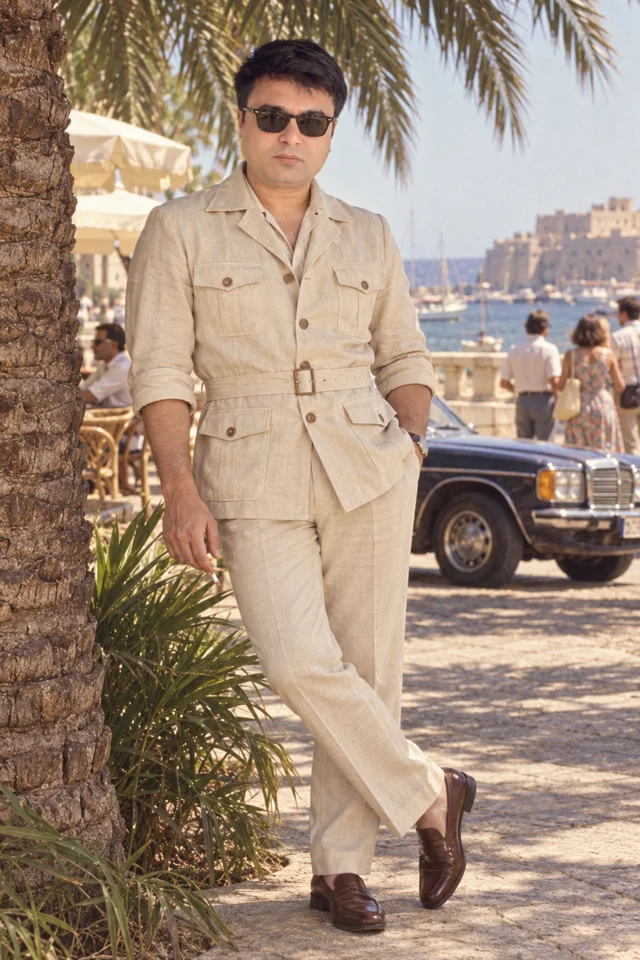 Safari Linen 1981Gemini · ChatGPT ImagesWatch ad · Unlock prompt
⌂Home▦Tools✦AI Studio▱My Files⚙Settings
AI Studio — discover & save
9:41● ▰
Quick toolsMake every detail yours
Photo editing and video essentials.
✧RGB Curves
Shape shadows, midtones and highlights by channel.
ON DEVICE✧HSL Color Mixer
Fine-tune six colour families independently.
ON DEVICE✧Focus Blur
Create a soft backdrop with circle or tilt-shift focus.
ON DEVICE✧Light & Colour
Exposure, contrast, saturation and warmth.
ON DEVICE✧Crop & Straighten
Ratios, framing and straightening.
ON DEVICE✧Compress Video
Smaller videos, your quality.
ON DEVICE⌂Home▦Tools✦AI Studio▱My Files⚙Settings
Tools — make it your own
Interface previews based on the Android app. Content and layout may vary with your device and app version.
02 / YOUR EVERYDAY ESSENTIALSYour everyday tools.
Your everyday tools.
One creative studio.
Less time getting things ready.
More time making things yours.

Compress Video
Smaller videos, your quality.
IN THE ANDROID APP
Resize Photo
Dimensions and JPEG file size.
IN THE ANDROID APPLight & Colour
Exposure, contrast, saturation and warmth.
IN THE ANDROID APPCrop & Straighten
Ratios, framing and straightening.
IN THE ANDROID APPPhoto Filters
Original, vivid, mono and vintage.
IN THE ANDROID APPRotate & Flip
Turn and mirror your photos.
IN THE ANDROID APPSharpen
Bring out edges and fine detail.
IN THE ANDROID APPVignette
A softer focus around your subject.
IN THE ANDROID APPText on Photo
Add a headline to your image.
IN THE ANDROID APPQuick Enhance
A balanced light and colour preset.
IN THE ANDROID APPReel Fit
Reframe your video for social.
IN THE ANDROID APPCover Maker
Create a cover with your own title.
IN THE ANDROID APPRGB Curves
Shape shadows, midtones and highlights by channel.
IN THE ANDROID APPHSL Color Mixer
Fine-tune six colour families independently.
IN THE ANDROID APPFocus Blur
Create a soft backdrop with circle or tilt-shift focus.
IN THE ANDROID APPMY WORKFLOWSFound your flow?
Found your flow?
Keep it.
Save your favourite editing settings and pick up
where your next idea begins.
01 Pick your format ✓02 Choose your quality ✓✦ Your workflow, ready. ↗
03 / FROM IDEA TO IMAGEFrom your first idea
From your first idea
to your next creation.
Your creative journey starts with a look you love.
Find your look.
Explore the app’s categories and save your favourites for later.
Make it yours.
Unlock and copy a prompt, then open a suggested AI service and add your own reference photo.
Add your finish.
Save your result to your phone. Bring it into Vynoriq to crop, frame or add text.
AI generation happens in external services. Their availability, pricing and results vary.
VYNORIQ FOR ANDROIDYour creativity.
Your creativity.
Always with you.
Photo tools, video essentials and your next favourite look.
Bring your pocket studio along.
 VynoriqPhoto & Video Tools
A FEW THINGS TO KNOWCurious?
Curious?
Start here.
Does Vynoriq generate AI images?
AI Studio provides image prompts and example previews. You create your image in a supported external AI service, then can use Vynoriq to edit the saved result.
How do I unlock a prompt?
In the Android app, watch a rewarded ad when prompted. After the ad, copy the prompt or open a suggested AI service. A new copy or visit requires another rewarded ad.
Are my editing photos uploaded?
Vynoriq’s local editing tools process your selected media on your device. External AI services have their own upload and privacy policies.
Where can I get help?
Use Contact us or Send feedback in the app’s Settings, or visit Vynoriq Contact.